
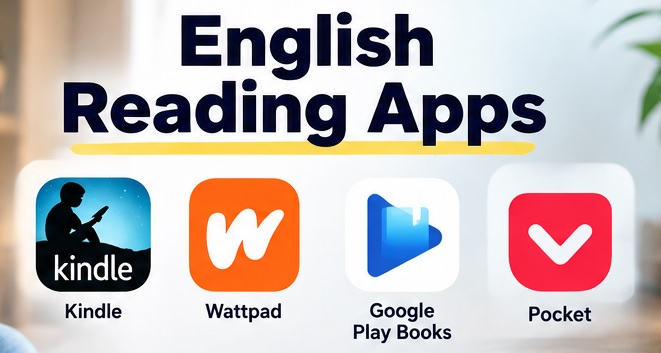
Looking for English reading apps? Learners build vocabulary, understand grammar patterns, and communicate their ideas through improving their English skills.
There’s no need to join a regular class for it because several language learning apps are now available. The right app gives users access to books, stories, articles, and other engaging content.
English Reading Apps (Top 7)
Every app is however created for different purposes. Although some are perfect for reading books, news, and vocabulary, or structured learning are the base of others. We’ll today compare 7 popular available English reading apps to help you find the right choice for your learning needs.
English Reading Apps: Comparison Table
| Apps | Why You Should Use | Features | Pricing |
| Kindle | Reading English books | Dictionary, vocabulary tools, and offline reading | Free app but some books are paid |
| Wattpad | Stories and fiction | Free stories and community | Free with a few paid features |
| Google Play Books | Easy reading | Books, dictionary, and translation tools | Freemium |
| Articles and readable content | Offline reading and text-to-speech | Free with paid option | |
| Libby | Free access to library | Ebooks, audiobooks, and offline access | Free |
| Blinkist | Short non-fiction content | Book summaries and audio | Paid |
| Oxford Reading Club | Structured reading | Graded readers, exercises, and progress tracking | Subscription needed |
1. Kindle- English reading App
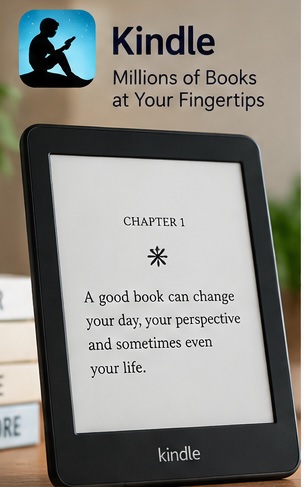
It is one of the most popular options among English reading apps for reading a large collection of English books. Fiction, biographies, self-development books, educational titles, etc, are some of the available genres here.
Kindle Top features
- Big collection of books
- Dictionary
- Vocabulary support
- Offline reading
Pros and cons
| Strengths | Weaknesses |
| Helpful for developing a reading habit | Paid books |
| Access to content across difficult reading levels | Independent reading here doesn’t always help you apply vocabulary in real conversation |
| Dictionary | |
| Offline reading | |
| Different genre |
Kindle Pricing
Although the app is completely free, books might need to be purchased separately.
Who Should Use Kindle?
It is ideal for improving their vocabulary through regular exposure to English. Students and professionals usually enjoy reading here.
2. Wattpad
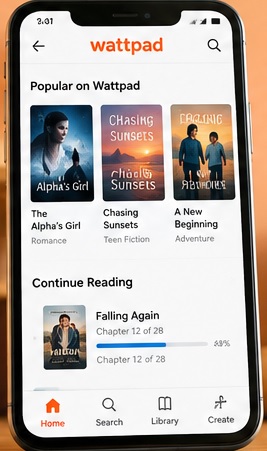
It is a social reading platform and one of the best English reading apps where you can find stories by writers from all around the world. Readers looking for fiction and entertaining material usually enjoy reading books here.
Wattpad Top features
- Different genres’ stories
- User-generated content
- Reading community
- Free content also available
Pros and cons
| Strengths | Weaknesses |
| Different genres | Different stories quality |
| Enjoyable stories | Some stories aren’t suitable for learners |
| Motivates regular reading |
Wattpad Pricing
- Premium – 5 Free originals without ads, offline stories, etc are available in this plan at $4.99/month.
- Premium+ – 200 bonus coins per month and all premium plan features are available at $7.49/month.
Who should use Wattpad?
It is ideal for young and fiction readers.
3. Google Play Books
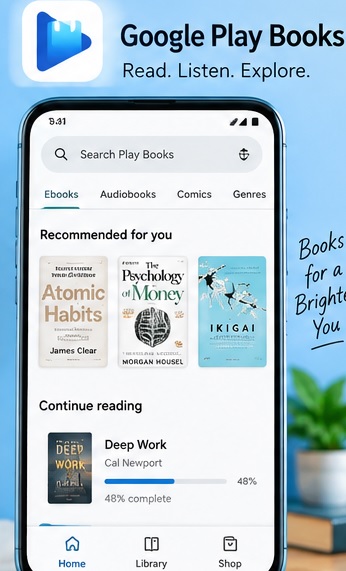
eBooks and audiobooks can easily be accessed through Google Play Books. People can easily switch between phones, tablets, and other devices due to its multi-device accessibility.
Google Play Books Top features:
- Multiple genres of books
- Offline reading
- Dictionary
- Translation support
- Cross-device access
Pros and cons
| Strengths | Weaknesses |
| Cross-device access | Learning experience may differ |
| Free content is available | It doesn’t offer a complete guided syllabus for learners |
| Tools for supporting vocabulary understanding |
Pricing
Although the app is completely free, many books here are paid.
Who Should Use Google Play Books?
It can be ideal for people looking for the English reading apps. Learners looking for different types of English content and flexibility.
4. Pocket- English Reading App
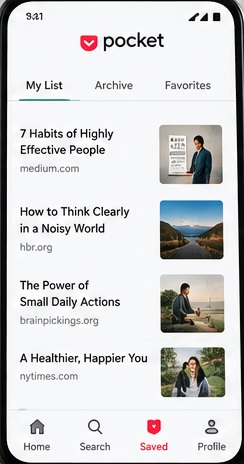
It is different from old book-reading platforms. It allows you to save articles and web pages to read them later. It is helpful for reading blogs, news, and real-world content.
Pocket Top features
- Save articles from websites.
- Offline reading
- Text-to-speech
- Reading list
Pros and Cons
| Strengths | Weaknesses |
| Authentic reading content | Users must find content |
| Offline reading | No structured learning path |
| Busy professionals can easily use it |
Pricing
Although free access is available, some features also need paid plan.
Who Should Use It?
It is ideal for improving comprehension by reading articles, blogs, etc.
Must Read,
Which is the Best App to Learn Spanish While Driving?
5. Libby- English reading App
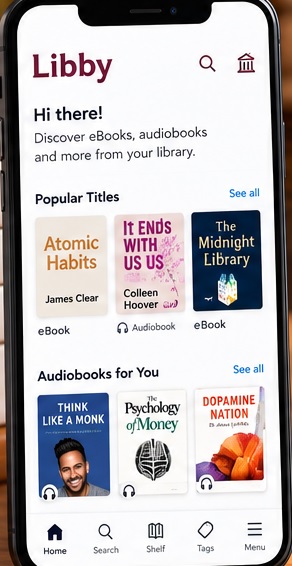
It is ideal for borrowing ebooks, magazines, and audiobooks through joined public libraries on this app.
Libby Features
- Offline reading
- Customizable reading settings
- Borrowing system
Pros and Cons
| Strengths | Weaknesses |
| Many books are free | User’s library decides book availability |
| Budget-friendly | Users must join the library to read anything |
| Reading and listening |
Pricing
Anyone can use it for free. There’s no subscription or plan.
Who Should Use Libby?
Readers looking for affordable access to English books and audiobooks.
Read Also,
Best Apps for Studying: 7 Useful Apps for Students
Rosetta Stone vs Babbel: Which Language App Is Better?
Flashcards for Language Learning: Best 3 Flashcard Apps Compared
6. Blinkist
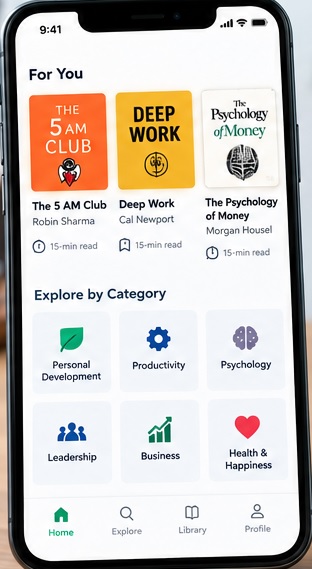
English reading apps: It is ideal for understanding the main ideas from non-fiction books in a short time. Users can explore condensed summaries here without the need to read the entire books.
Blinkist Features
- Short summaries
- Reading and audio formats
- Self-development content
- Business material
- Offline access
Pros and Cons
| Strengths | Weaknesses |
| Save time | Limited exposure to long-form content |
| Short reading material | |
| Popular non-fiction topics are there |
Pricing
- Premium – 9,000+ book and podcast summaries, daily recommendations, and read & listen in 15 minutes are available for $79.99/year
- Pro – Blinkist AI and all Premium features are available for $139.99
Who should use Blinkist?
Busy people may find its summaries useful.
7. Oxford Reading Club
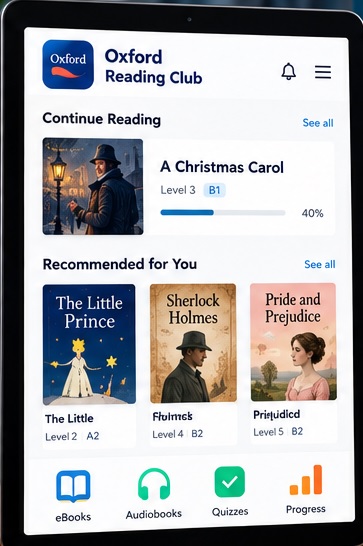
It is designed to give a structured reading experience. Graded content and learning activities are used here to support readers at different levels.
Features
- Graded content
- Vocabulary activities
- Reading exercises
- Learning tools
- Progress tracking
Pros and Cons
| Strengths | Weaknesses |
| Structured materials | Reading and comprehension are its focus |
| Academic learning | Speaking practice might not be helpful here |
| Exercise and learning content |
Pricing
Pricing depends on the educational institute.
Who Should Use Oxford Reading Club?
It is ideal for structured English reading material and guided comprehension activities.
FAQs to English Reading Apps
Which is the best English reading app for beginners?
Oxford Reading Club is perfect for beginners because graded and structured reading material are there.
Which app is best for reading English books?
Kindle and Google Play Books offer a large collection of English books.
Can reading apps improve English fluency?
Vocabulary, comprehension, and familiarity with sentence structures can be improved through reading. Speaking and active communication practice are also needed for overall fluency.
Conclusion
It would be best to consider your needs and the area you want to improve to find the best English reading apps.
Although book lovers may use Kindle, fiction lovers often like Wattpad. Blinkist is perfect for reading short summaries. And Oxford Reading Club is perfect for learning through structured material. Other apps on this list also excel in different areas.
It would be hence perfect for selecting an app based on your needs and interests. You should keep reading consistently because downloading any app isn’t enough.