
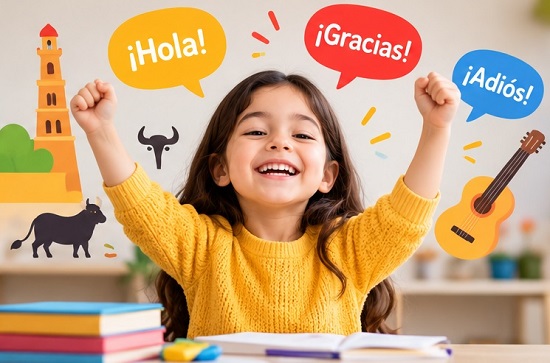
Best Spanish Learning App for Kids in 2026
Looking for the best Spanish learning app for kids? Children access a fun experience while learning Spanish only if the […]
Language learning tools and flashcards seem simple in theory,
but using them effectively takes practice. Many people download
an app, use 1–2 features, and expect instant results. After a
week or two, they stop because they don't see progress.
In most cases, the problem isn't the app — it's not knowing
how to use it effectively.
That's why we created this Guides section. Whether you're
completely new to language learning tools or you've been using
apps like Anki or Quizlet for years, these guides are designed
to help you get more out of your study sessions and generate
better results.
⚡ Instead of just explaining where a button is located
or what a feature does, we focus on showing you how to use
these tools in a way that actually improves your learning —
and you'll love it.
Our guides cover everything from setting up your first flashcard
deck to understanding spaced repetition, organizing notes,
using AI-powered flashcard generators, importing study material,
and avoiding common mistakes that slow down your progress.
Every tutorial is written with screenshots and video clips
wherever possible — in a simple, step-by-step format so you can
follow along without feeling overwhelmed.
Clear, easy-to-follow tutorials for getting started
with flashcards and study apps.
Time-saving tips, AI-powered strategies, and pro
techniques for experienced users.
Memory retention, spaced repetition, note-taking
methods, and building a system that sticks.
Anki
AnkiDroid
Quizlet
RemNote
Knowt
Brainscape
+ more
Since these apps frequently introduce new features and redesign
their interfaces, we keep updating our older blog posts to keep
them accurate and up to date.
Our content isn't limited to app tutorials either. You'll also
find practical study techniques that work alongside flashcards —
like how to create memorable flashcards, how many cards to review
each day, when to study for maximum retention, how spaced
repetition actually works, and ways to combine flashcards with
note-taking methods like Cornell Notes, mind maps, and other
better options available.
📌 Everyone studies differently. A medical student preparing
for entrance exams has different needs than someone learning
vocabulary or preparing for a professional certification.
Instead of recommending the same approach for everyone, we
explain different methods so you can choose what fits your
goals.
We include screenshots, examples, and real-life experiences
instead of lengthy theory. We believe a guide should help you
complete your needs — not leave you searching for another
tutorial halfway through.
Browse our guides below and start exploring techniques that
can help you study more efficiently and remember what you've
learned for the long term.
Looking for the best Spanish learning app for kids? Children access a fun experience while learning Spanish only if the […]
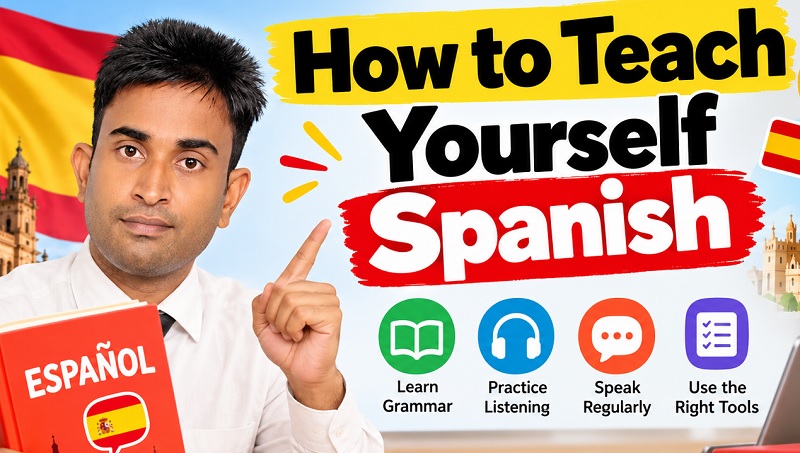
How to teach yourself Spanish? I thought downloading a single language learning app & learning a few words daily would
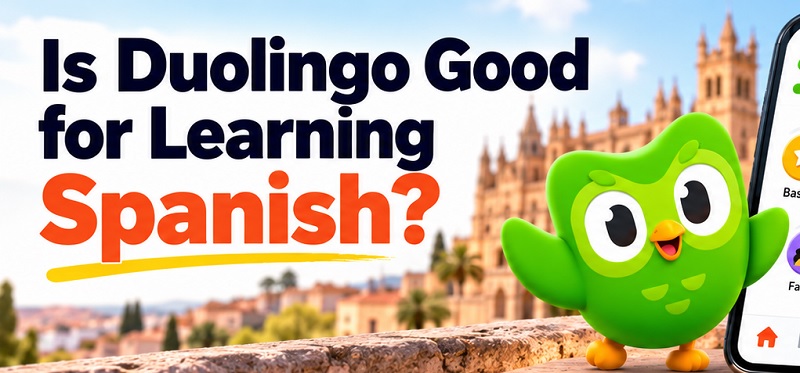
Is Duolingo Good for Learning Spanish? Is Duolingo dangerous? Is Duolingo a waste of time? Such questions often come into
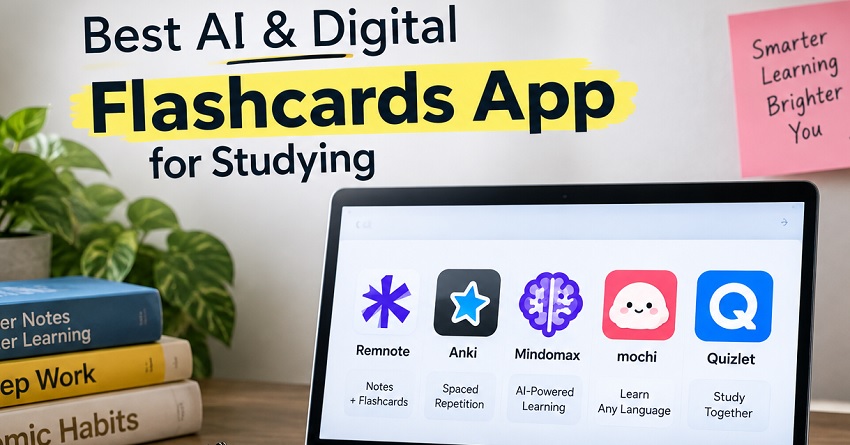
Looking for the best AI Flashcards App or the best digital Flashcards app? Then you are in the right place.
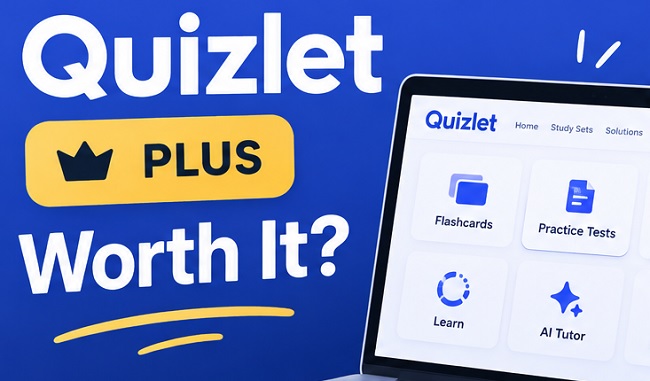
Is Quizlet Plus worth it? You may have heard of Quizlet when you want a reliable tool to use flashcards
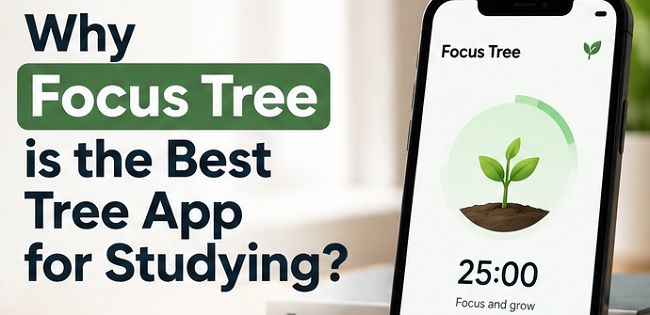
Are you searching for best tree app for studying? A study tree app is ideal for those checking their phone
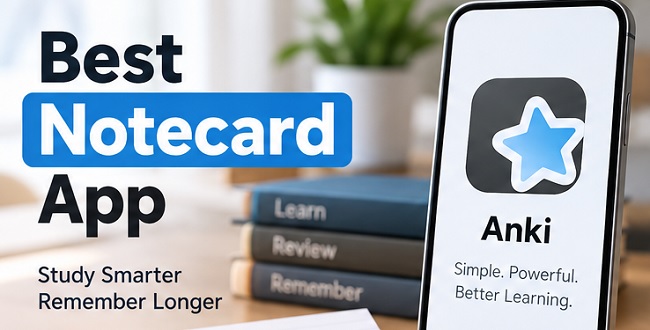
Looking for the best Notecard app? Suppose you want to create, organize, and review study cards. In that case, Anki
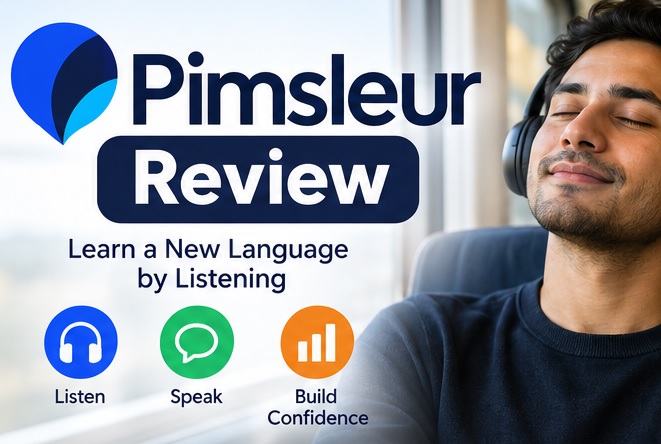
Is Pimsleur worth it? In this Pimsleur Review, you will learn all about this language learning app which provides you
Looking for an unbiased Pimsleur Spanish Review before starting to use it? Dozens of apps are available nowadays to help
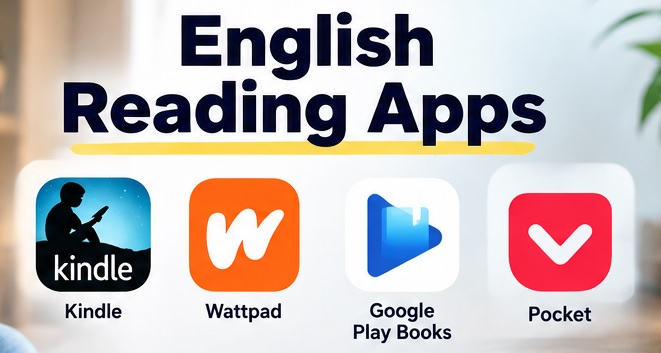
Looking for English reading apps? Learners build vocabulary, understand grammar patterns, and communicate their ideas through improving their English skills.