
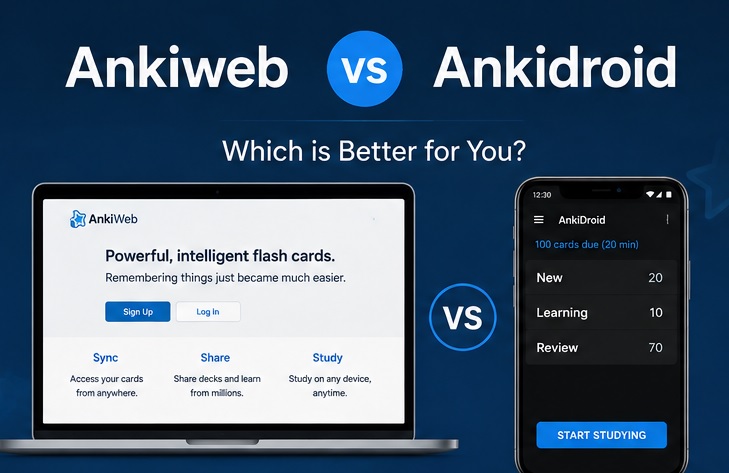
You might have heard about AnkiDroid and AnkiWeb when you started using Anki. Many beginners think they are different apps. Both are, however, part of different ecosystems and have different purposes. You should consider how and where you prefer to study when choosing between AnkiWeb vs AnkiDroid.
Anki has become one of the most trusted flashcard platforms for students, language learners, medical aspirants, and professionals. Its spaced repetition method helps users remember information for a long time.
Although the desktop version is the main platform for creating and managing flashcards, AnkiWeb and AnkiDroid are reliable for studying flexibly.
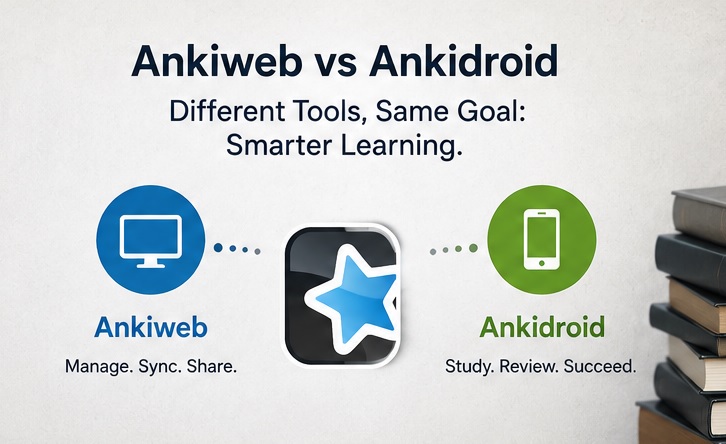
Ankiweb vs Ankidroid
AnkiWeb is a browser-based platform. It lets you review flashcards online and sync your decks across multiple devices. You can use it to continue studying from school, college, work, or any computer with an internet connection.
AnkiDroid, in contrast, is the official Android app for mobile learning. It allows you to review flashcards anywhere without an internet connection.
Many users still get confused over the differences. That is why we have created this comparison guide. It will help you understand the main difference between Ankiweb vs Ankidroid.
Ankiweb vs Ankidroid: Comparison Table
| Feature | AnkiWeb | AnkiDroid |
| Platform | Web browser | Android app |
| Installation Required | No | Yes |
| Price | Free | Free |
| Offline Access | No | Yes |
| Deck Synchronization | Yes | Yes |
| Best Use | You can study from any browser and sync progress | You can study on Android devices anywhere |
| Card Creation | Basic text-only editing | It helps you create and edit cards with more flexibility |
| Media Support | Limited compared to desktop | It supports images, audio, and other media |
| Internet Required | Yes | Only for syncing |
| Best For | Users switching between multiple computers | Android users who study while traveling or commuting |
The above table is proof that no platform is better, as each is developed for a different purpose. Although AnkiWeb focuses on accessibility through any web browser and synchronization, AnkiDroid gives mobile convenience and offline access.
Ankiweb vs Ankidroid: Key Features
Now let’s talk about their features and compare both tools;
1. Device Accessibility
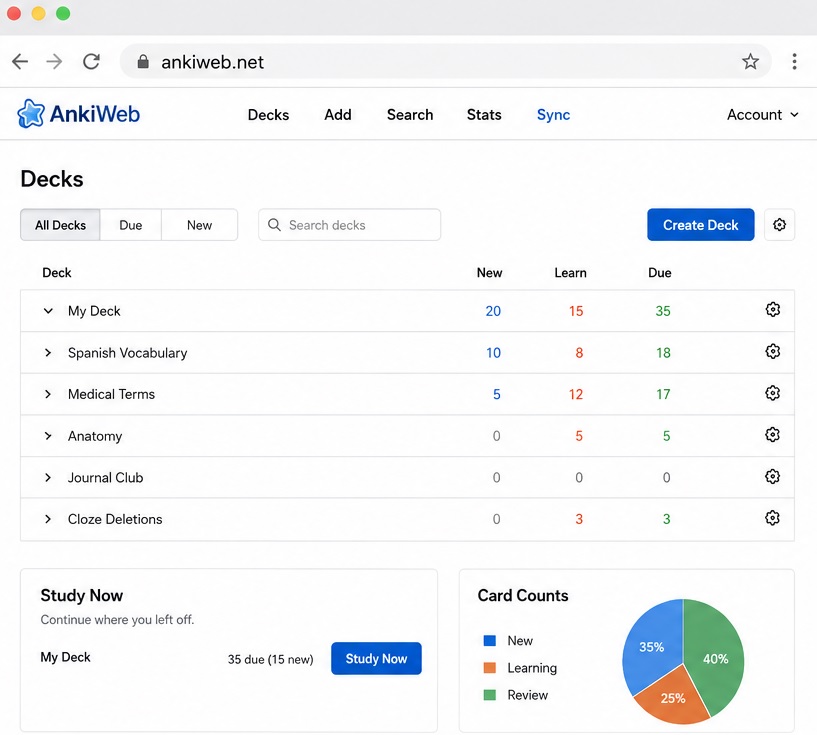
AnkiWeb works completely on a web browser. You can use it without installing anything. It is useful when you are using a shared computer, office PC, or school device.
AnkiWeb:
- You can use it on any modern web browser
- There is no installation required
- You can access it from Windows, macOS, Linux, and Chromebooks
- It is perfect for reviewing cards away from your primary device
AnkiDroid:
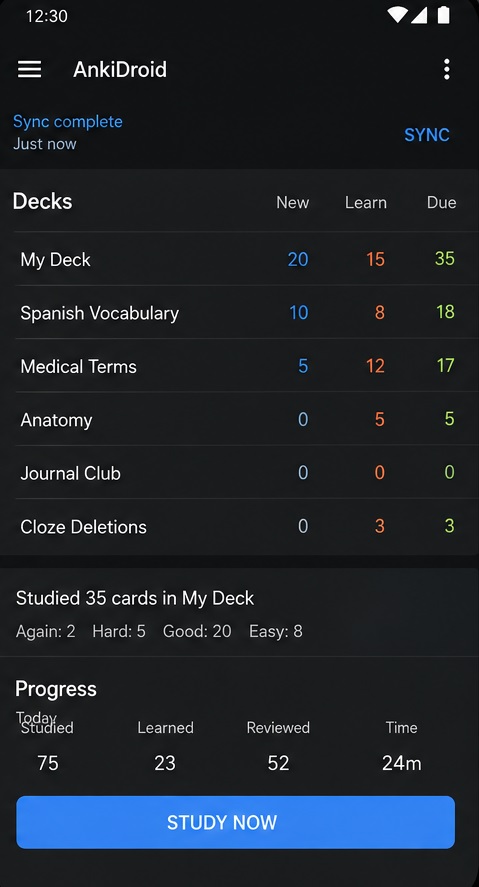
- Dedicated Android application
- It is optimized for touch controls
- It works perfectly on smartphones and tablets
- The app is developed for fast review sessions from anywhere
Ankiweb gives you complete flexibility when you use it on different devices. AnkiDroid offers a more helpful experience if you study only on your phone.
2. Offline Learning
AnkiDroid clearly wins in this area.
You can continue your study after downloading your decks without an internet connection. This is why it is ideal for:
- Traveling
- Daily commuting
- Flights
- Areas with poor network coverage
You need an internet connection to access AnkiWeb because it works on your browser. Although it is not a big issue for many users, it might become limited when Wi-Fi or mobile data is not available.
3. Synchronization Across Devices
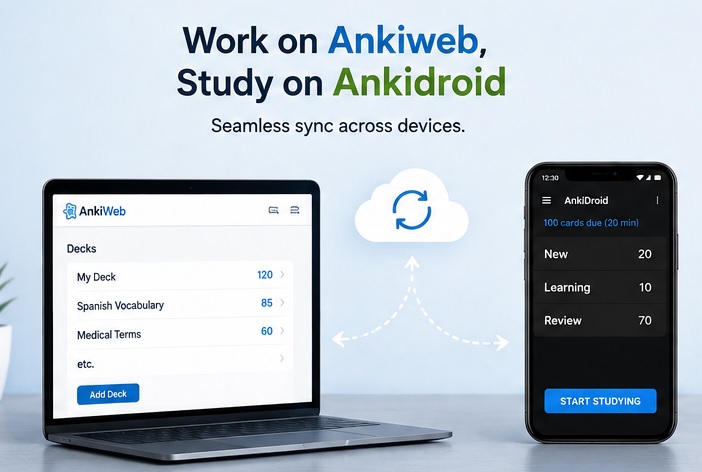
Many users prefer using this platform due to its automatic synchronization.
Both platforms use the same Anki account. It lets you continue your study from where you left off.
You must first create your account on AnkiWeb to use its sync feature.
4. Flashcard Review Experience
Anki’s proven spaced repetition algorithm is the base of both platforms.
Anki always schedules the next review of the answered card based on your performance.
Benefits are:
- Better long-term memory
- Less unnecessary revision
- More focus on difficult topics
- Consistent learning progress
This learning system stays the same on AnkiWeb or AnkiDroid.
5. User Interface
Both platforms have different interfaces.
| AnkiWeb | AnkiDroid |
| Clean and minimal interface | Mobile-friendly layout |
| Easy to learn | Gesture support |
| Suitable for reviewing cards quickly | Customizable settings |
| Less clutter | Faster navigation on Android devices |
Many beginners often use AnkiWeb because there are fewer options to learn.
6. Card Editing
Both platforms are helpful if you occasionally need to edit flashcards.
AnkiWeb supports:
- Basic card editing
- Text updates
- Simple flashcard creation
AnkiDroid has:
- Better editing tools
- Image support
- Audio support
- More card customization
It would be good to use AnkiWeb to create decks because it has the most powerful editing features.
7. Community Support
The Anki community is one of the biggest strengths of both platforms.
You can:
- Download shared decks
- Find tutorials
- Solve technical issues
- Learn advanced study techniques
Many learners start with community-created decks before creating their own collection. It helps them save time and start studying instantly.
Ankiweb vs Ankidroid: Pros & Cons
AnkiWeb
| Pros | Cons |
| Completely free | Internet connection required |
| No installation required | Limited editing tools |
| You can use it on almost any browser | It is not ideal for creating large flashcard collections |
| Easy deck synchronization | Fewer customization options than desktop Anki |
| Great for studying on public or office computers |
AnkiDroid
| Pros | Cons |
| Completely free for Android users | Available only on Android |
| Offline studying | Smaller screen for long study sessions |
| Excellent mobile experience | Limited compared to desktop add-ons |
| Supports images and audio | Creating complex decks can take longer |
| Fast synchronization with Anki account |
Ankiweb vs Ankidroid: Pricing
| Platform | Price |
| AnkiWeb | Free |
| AnkiDroid | Free |
| Desktop Anki | Free |
| Official iOS App (AnkiMobile) | Paid |
Some users even get confused around AnkiDroid and AnkiMobile (iOS) prices. Although AnkiMobile is paid for iPhone users, many users thinks that AnkiDroid is also paid. It is, in reality, complete free for Android users.
It means that you can use Desktop Anki, AnkiWeb, and AnkiDroid without paying anything.
The official iOS app is the only paid option, as it supports Anki’s development. iPhone users can still use the free version on AnkiWeb. But it is not as featured-rich as AnkiMobile.
Who Should Use AnkiWeb?
AnkiWeb is perfect for those who want fast access to their flashcards without installing extra software.
You can log in from almost any computer because it works through a web browser. It helps you continue studying from where you left it.
It is a good choice if you:
- Frequently switch between multiple computers
- Study at school, college, or the workplace
- Want automatic synchronization across devices
- Need a free browser-based study platform
- Prefer a simple interface with fewer distractions
Developers have stated that AnkiWeb is developed as a companion to the desktop app. It lets you review cards online and keep your decks synchronized across different devices.
Who Should Use AnkiDroid?
AnkiDroid is perfect for Android users who want to study anytime and anywhere.
Its offline functionality is especially useful for those who travel regularly or prefer learning in short sessions throughout the day.
This app is useful for:
- Android smartphone users
- Students preparing for competitive exams
- Language learners
- Medical students
- Professionals learning certifications
- Anyone who studies during commuting or waiting time
Many community members often mention that AnkiDroid is excellent for reviewing flashcards while travelling.
Should You Use Both?
The answer to this question is yes for most learners.
Many experienced users use both platforms to create a smooth study workflow. You can:
- Create flashcards on the desktop version.
- Sync them using AnkiWeb.
- Review cards on AnkiDroid throughout the day.
- Continue studying later on another computer using AnkiWeb.
It offers the best balance between productivity and convenience.
FAQs on Ankiweb vs Ankidroid
Is AnkiWeb free?
Yes, AnkiWeb is entirely free and safe to use. You only need a free account to sync your flashcards and review them through your browser.
Is AnkiDroid free?
Yes, AnkiDroid is also free to use on Android devices.
Can AnkiWeb and AnkiDroid sync together?
Yes, both platforms synchronize through your Anki account. Your review progress, decks, and cards stay updated across supported devices after syncing.
Which is better for exam preparation?
AnkiDroid is an excellent choice for those who mainly study on their phone due to its offline access and mobile-friendly interface. AnkiWeb gives convenient browser-based access to those who frequently use different devices. Many students use both together.
Can I create flashcards on AnkiWeb?
Yes, it is ideal for basic card creation. the desktop version of Anki is the better option for advanced card types, multimedia content, and efficient deck management.
Does AnkiDroid work without the internet?
Yes, you can review them offline after your decks are downloaded and synchronized. You only need an internet connection to sync changes with your Anki account.
Final Verdict
No one can become the winner in the comparison of AnkiWeb vs AnkiDroid because both are created to solve different problems.
It would be best to use both platforms simultaneously if you are really serious about your studies. You can use AnkiWeb to create and organize decks and keep everything synchronized. AnkiDroid is ideal for completing your daily reviews whenever you have free time.
It helps you study anywhere and keep your progress updated across all your devices,